
← All tutorials
How to add an account in another currency
Record in dollars or rupees, and still see one total.
Step by step
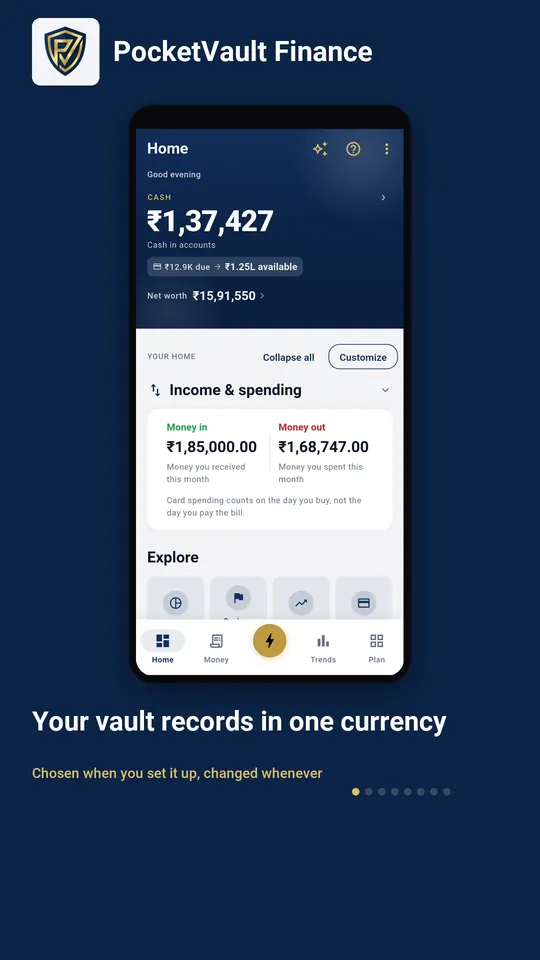
- 1 Your vault records in one currency Chosen when you set it up, changed whenever
- 2 One place decides what you record in Region and currency, in Settings
- 3 The rates ship with the app You edit them on your device; no server is asked
- 4 Currency is set per account Not once for the whole app
- 5 Add an account Name it and give it a balance
- 6 Pick the currency it holds Record in USD or INR
- 7 Save the account Nothing is written until you do
- 8 One total, across both The label tells you which currency it is in
Keep your finances to yourself.
Every feature you need is free, and there's no account to create. Download it and your data stays on your device.