
Tutorials
Watch it work before you install it
Every one of these is a recording of the real app on a real phone. Each is filmed twice, once with an India ledger and once with a US one, because the banks and the money differ.
How to
One task, start to finish, filmed on a phone.
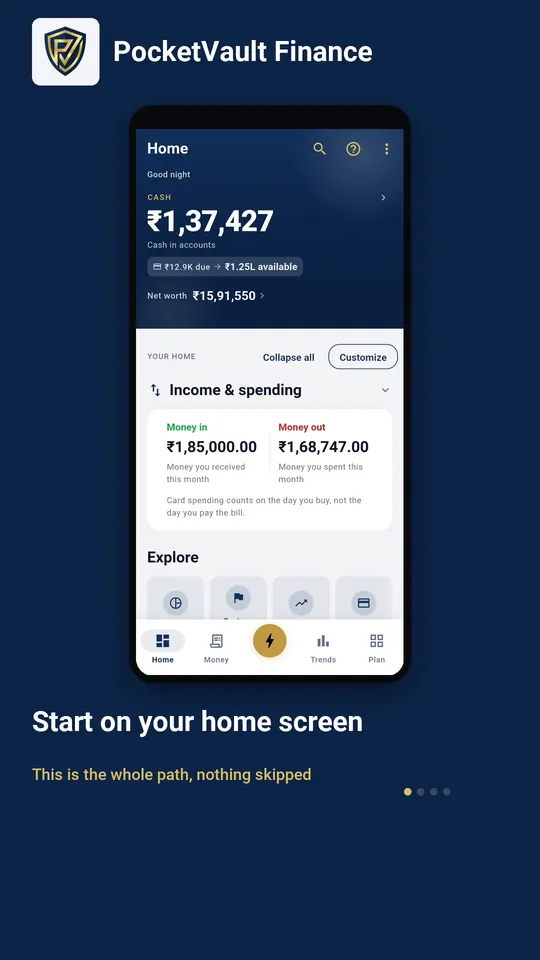 How to import transactions without a bank login From your home screen to an imported statement, without a bank login.
 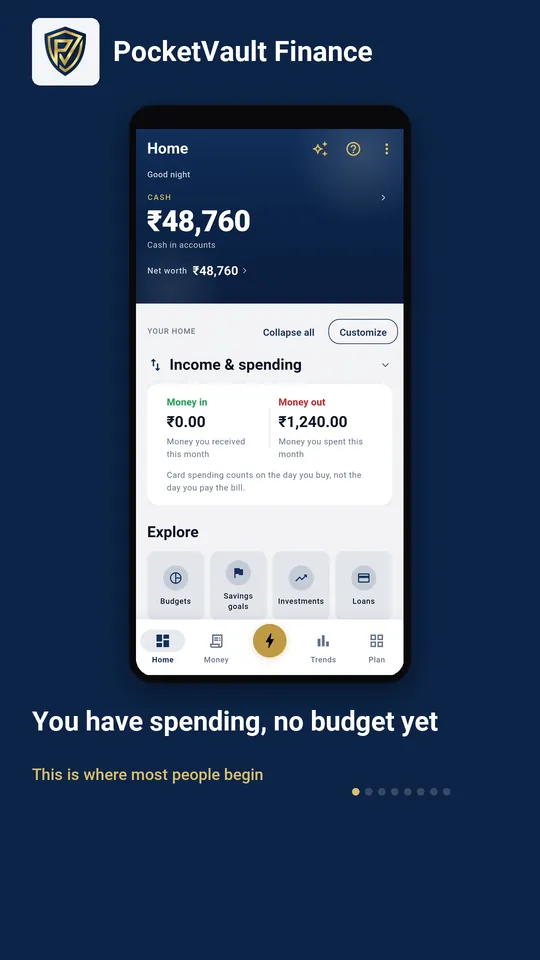 How to set a budget One category, one number, and it starts holding the line.
 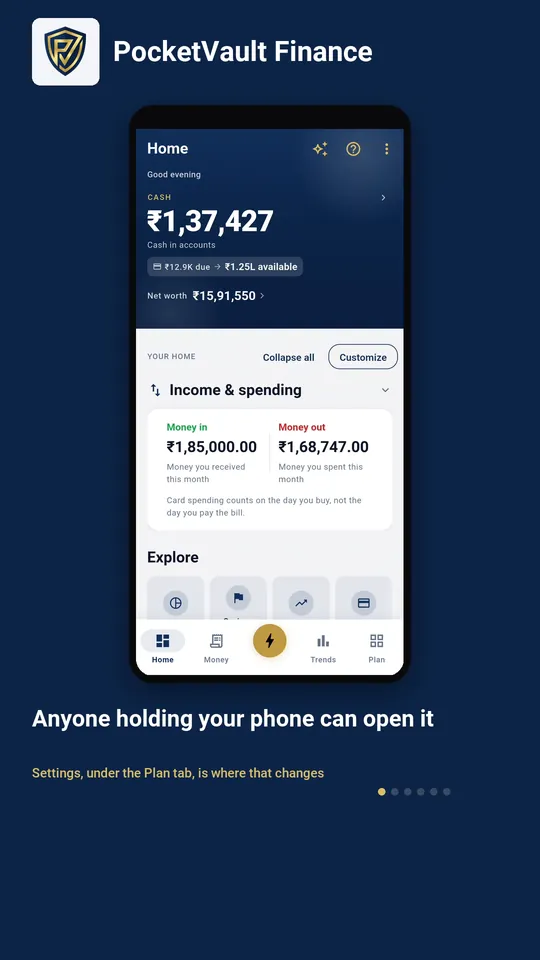 How to lock the app A PIN, set in under a minute, and nobody else gets in.
 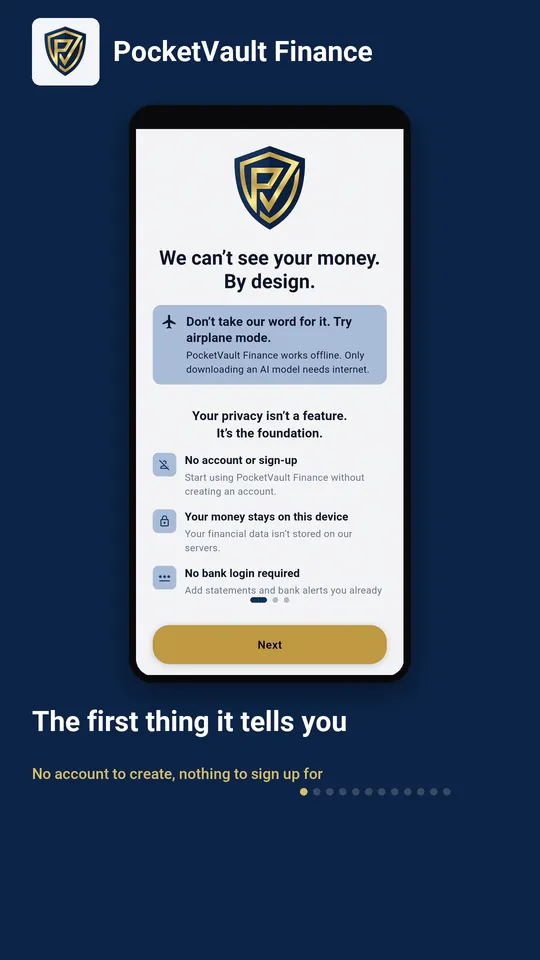 How to import a PDF bank statement A statement in, clean transactions out, all on your phone.
 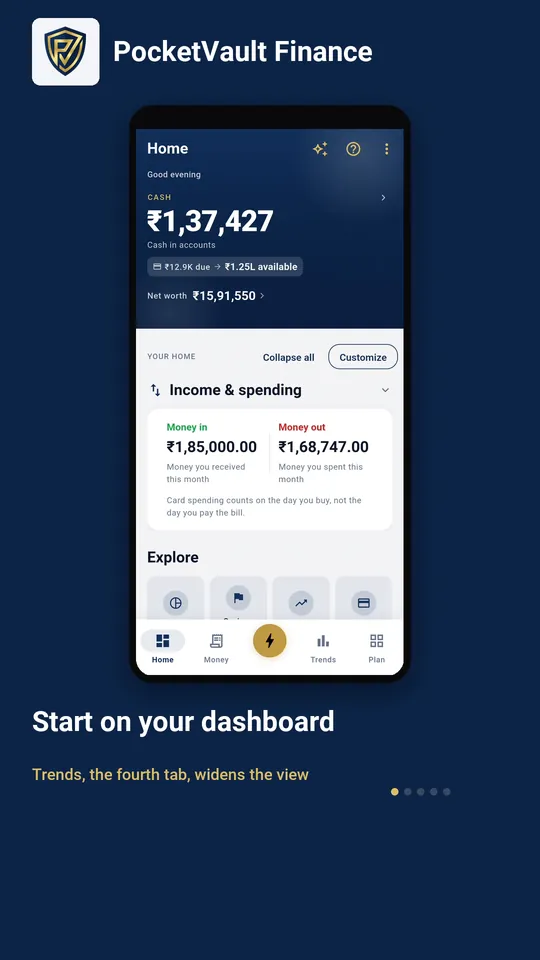 How to read where your money went The month in three figures, and then everything you own and owe.
 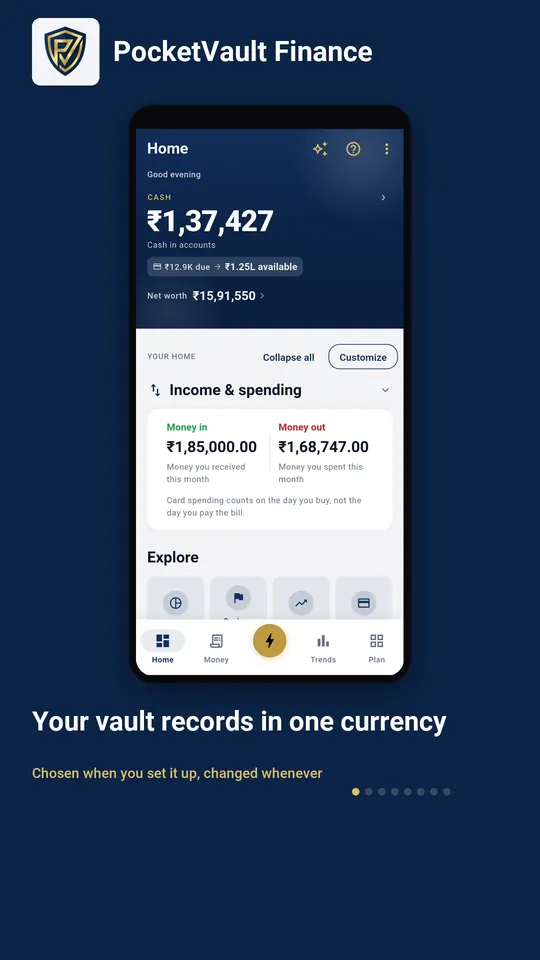 How to add an account in another currency Record in dollars or rupees, and still see one total.
 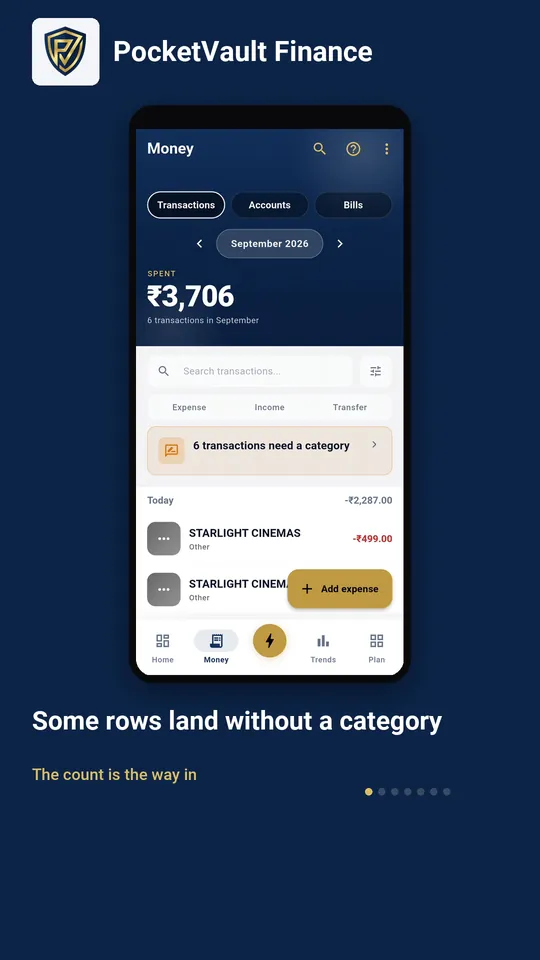 Sorting what needs a category Sort a merchant once and its whole group goes with it.
  How to set a savings goal Name the thing, put a number on it, and watch it fill.
 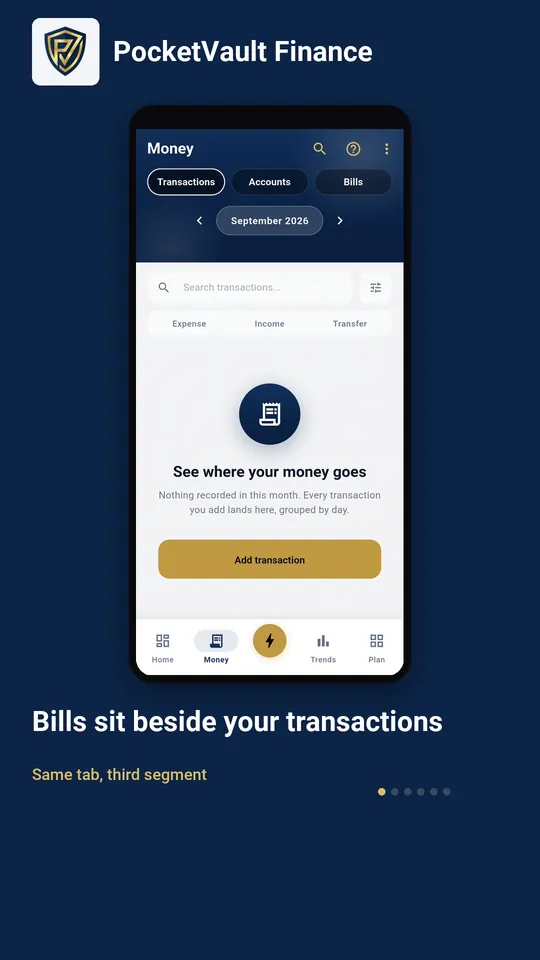 How to track a bill or subscription Put a recurring payment on the record once and it stops surprising you.
 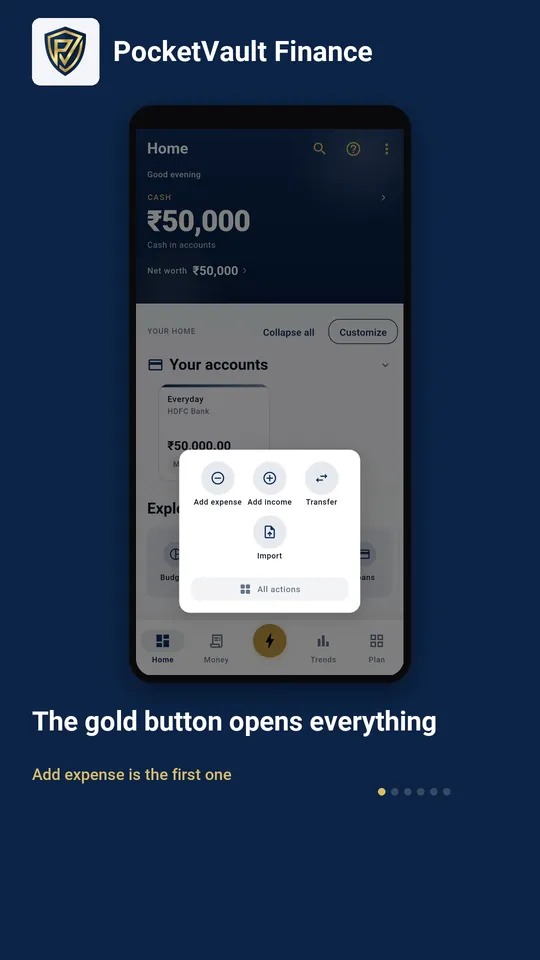 How to add an expense by hand Cash, a split bill, anything your bank never texted you about.
 What it shows you
The screens that answer a question about your money.
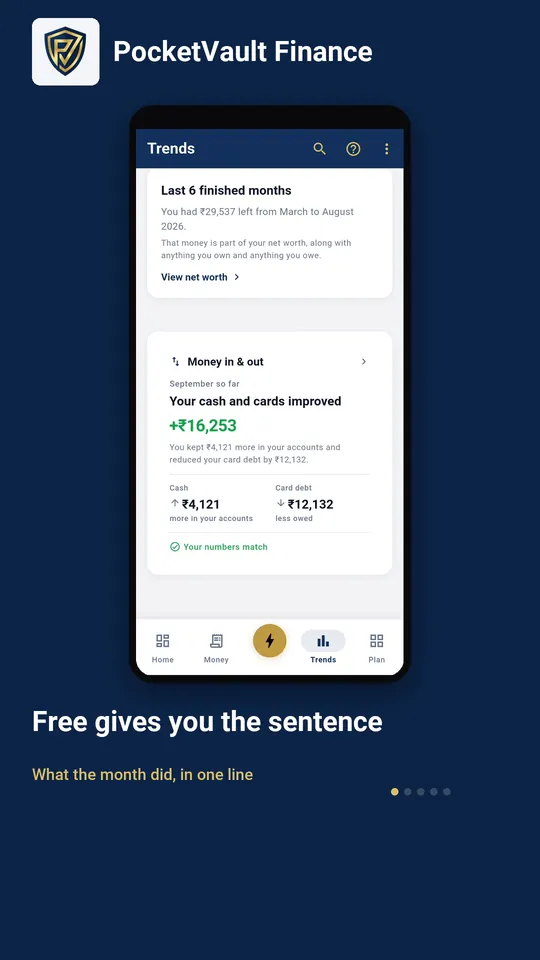 Where your money actually went You kept one number and your balance moved another. This is the difference.
 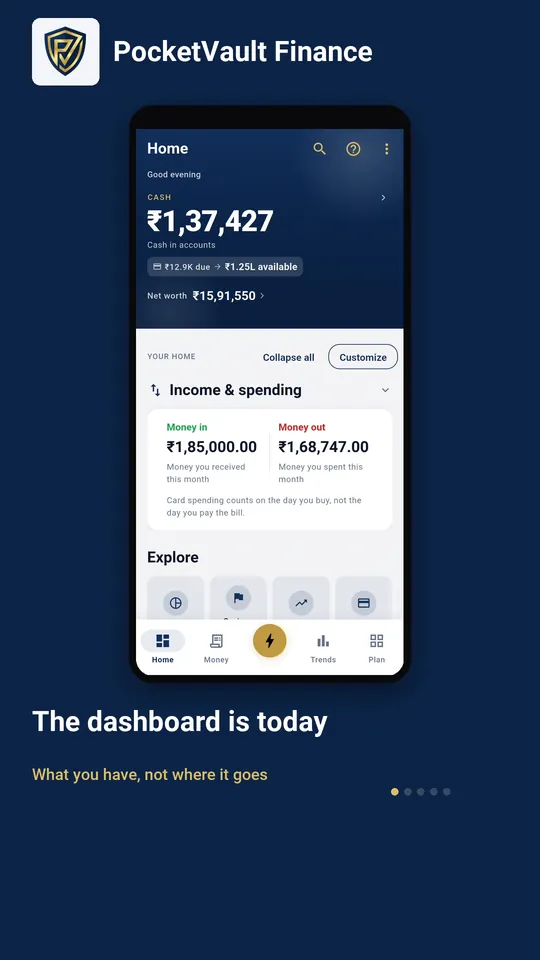 Try a change before you make it Where your current habits land you, in today's money and tomorrow's.
 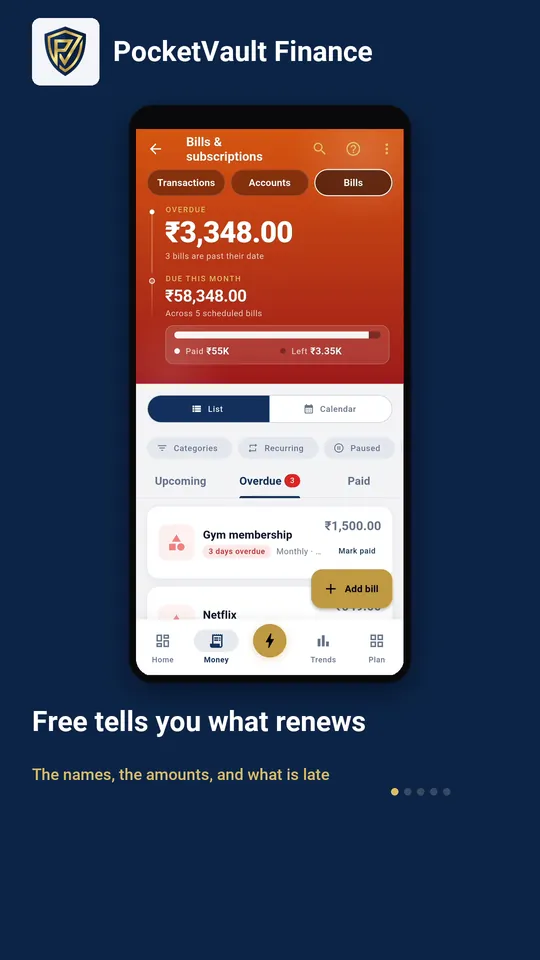 What your subscriptions really cost Every renewal, annualised and ranked by what it drains.
 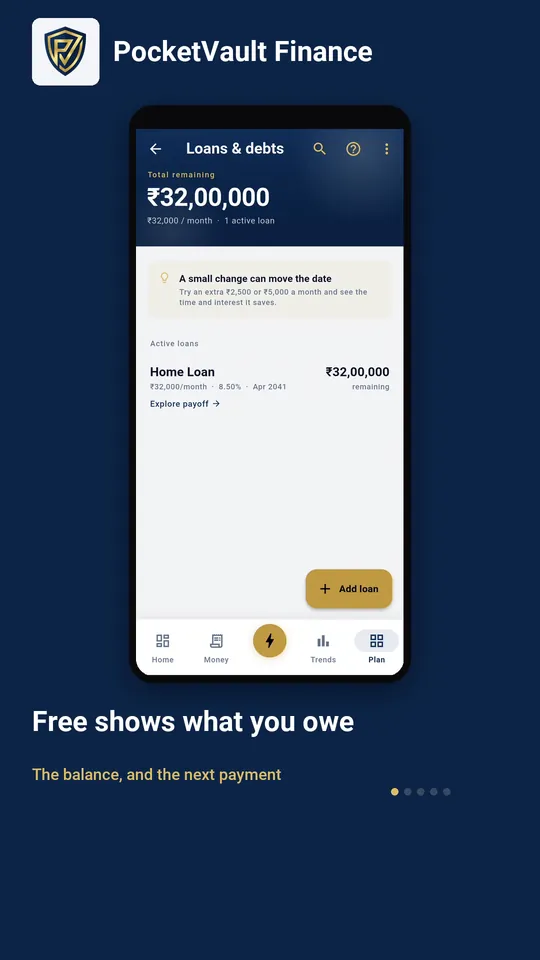 What paying extra would save Move one number, watch the date and the interest move, then put it back.
 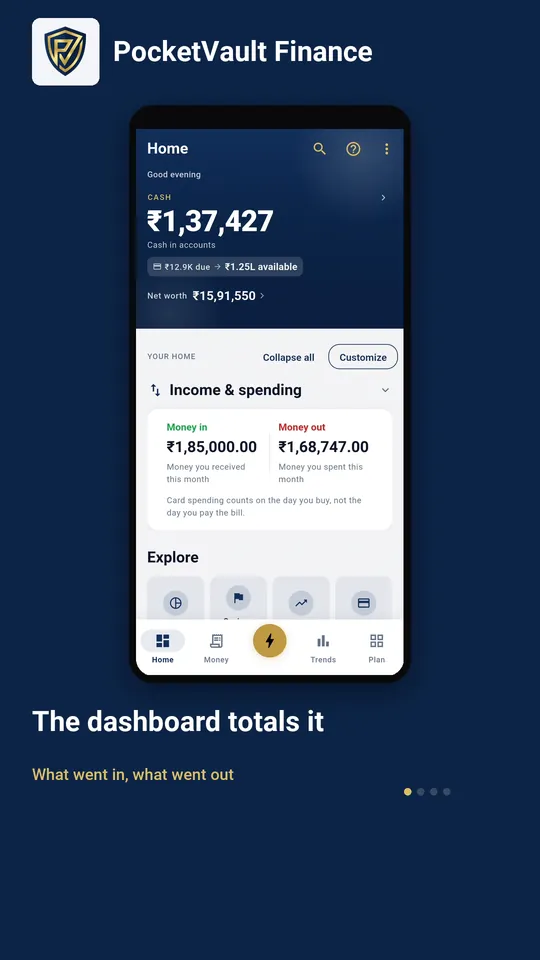 Your month, told back to you The month you just had, in the order it happened.
 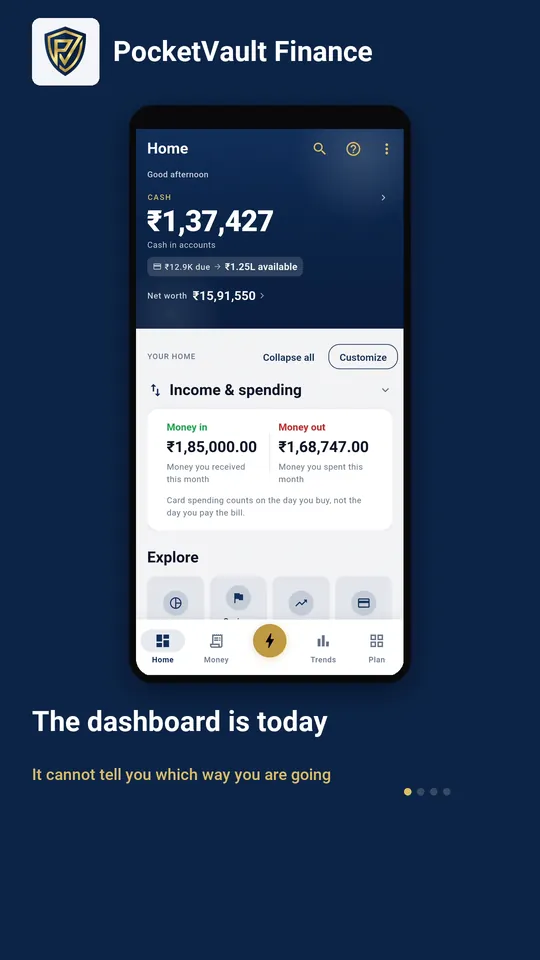 Which spending is rising Not what you spent. What is changing, and how far back it can see.
 Keep your finances to yourself.
Every feature you need is free, and there's no account to create. Download it and your data stays on your device.