
← All tutorials
What paying extra would save
Move one number, watch the date and the interest move, then put it back.
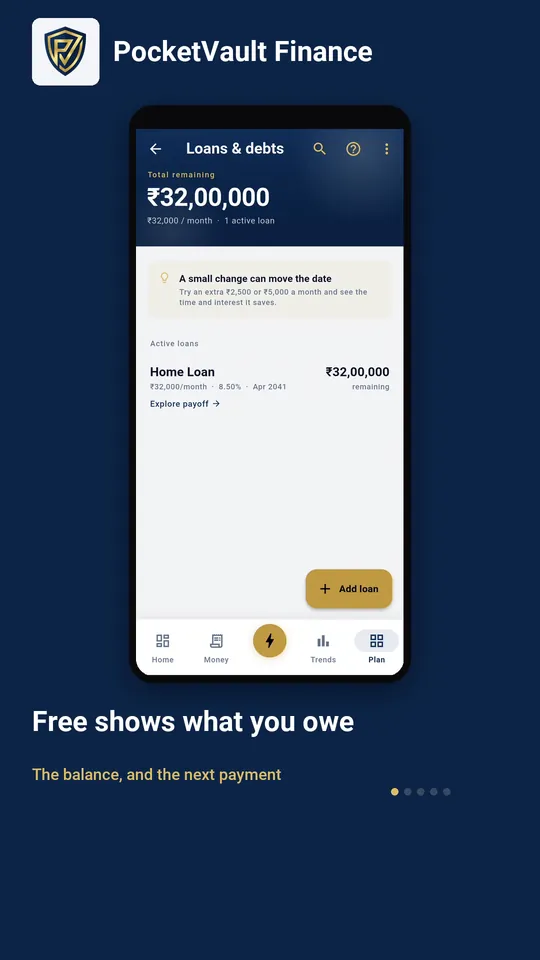
Step by step
- 1 Free shows what you owe The balance, and the next payment
- 2 Premium opens the plan The date you finish, and what each option would change
- 3 Pick one and it applies New date, interest saved, and what it costs a month
- 4 Or set your own figure Whatever you could actually spare
- 5 Reset puts it back Nothing here ever touched the loan
Keep your finances to yourself.
Every feature you need is free, and there's no account to create. Download it and your data stays on your device.