
← All tutorials
How to lock the app
A PIN, set in under a minute, and nobody else gets in.
Step by step
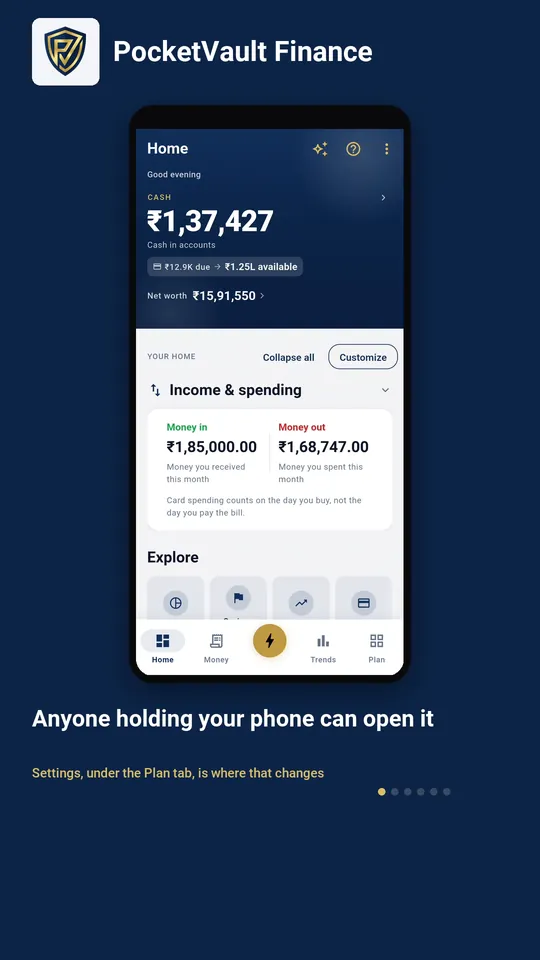
- 1 Anyone holding your phone can open it Settings, under the Plan tab, is where that changes
- 2 Tap Security Everything about getting in lives here
- 3 It tells you the lock is off Turn on PIN — a fingerprint works too, if you have one
- 4 Choose four digits Only you ever see this
- 5 Type it once more So a typo cannot lock you out
- 6 Locked, and it says so The app asks for this every time it opens
Keep your finances to yourself.
Every feature you need is free, and there's no account to create. Download it and your data stays on your device.