
← All tutorials
Your month, told back to you
The month you just had, in the order it happened.
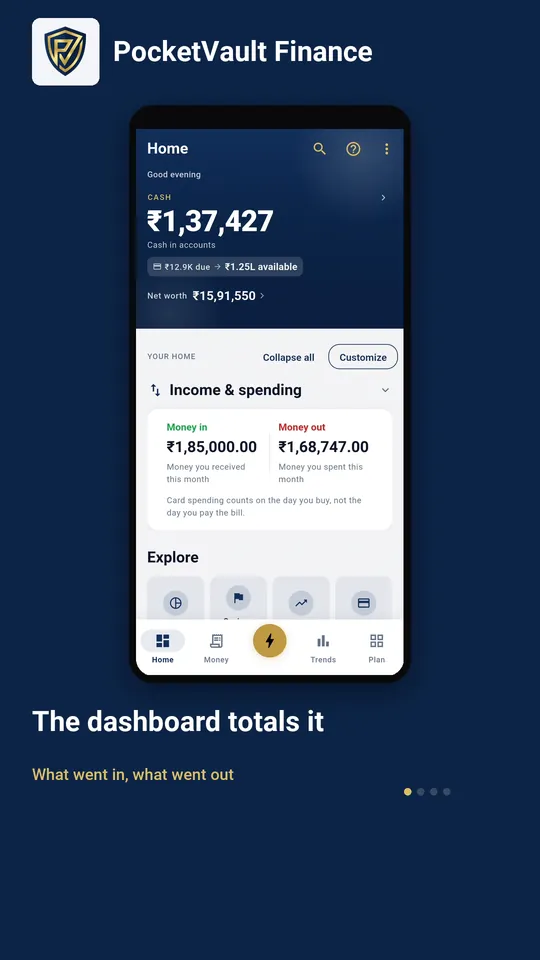
Step by step
- 1 The dashboard totals it What went in, what went out
- 2 Your month in money One tile, on the Plan tab
- 3 Premium recaps the month What you kept, and what it went on
- 4 The biggest one opens Every row behind the share it claims
Keep your finances to yourself.
Every feature you need is free, and there's no account to create. Download it and your data stays on your device.