
← All tutorials
How to set a budget
One category, one number, and it starts holding the line.
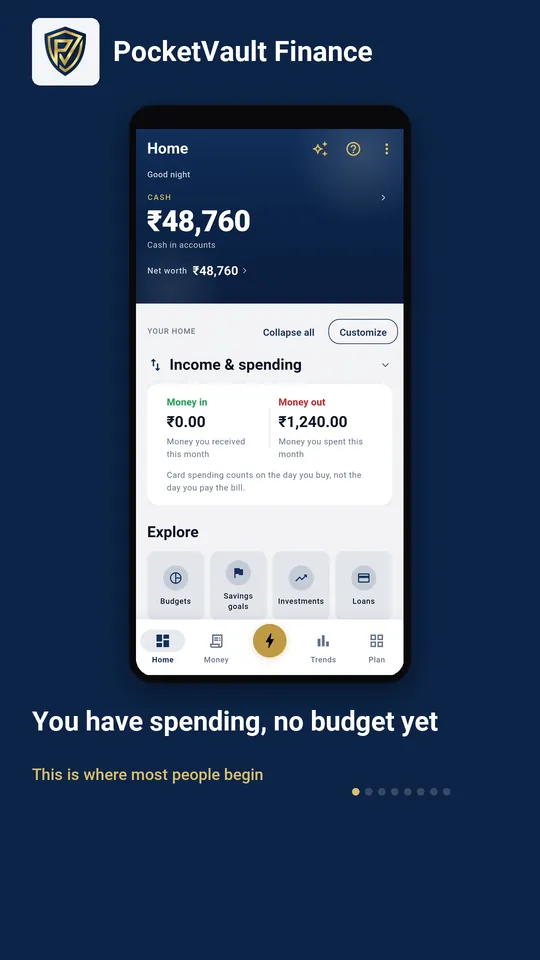
Step by step
- 1 You have spending, no budget yet This is where most people begin
- 2 Every action sits behind the gold button The same one, from any screen
- 3 Open Budgets Under All actions
- 4 Nothing here yet Tap Create first budget to start one
- 5 Pick what to cap A budget covers one kind of spending
- 6 Type your monthly limit Change it later whenever you like
- 7 Tap Create budget Nothing is saved until you do
- 8 It counts what you already spent 1,240 of 4,000 used, and what is left per day
Keep your finances to yourself.
Every feature you need is free, and there's no account to create. Download it and your data stays on your device.